 Image 1 of 1
The Photographer’s Workflow: A Practical Lightroom Classic Library Workshop
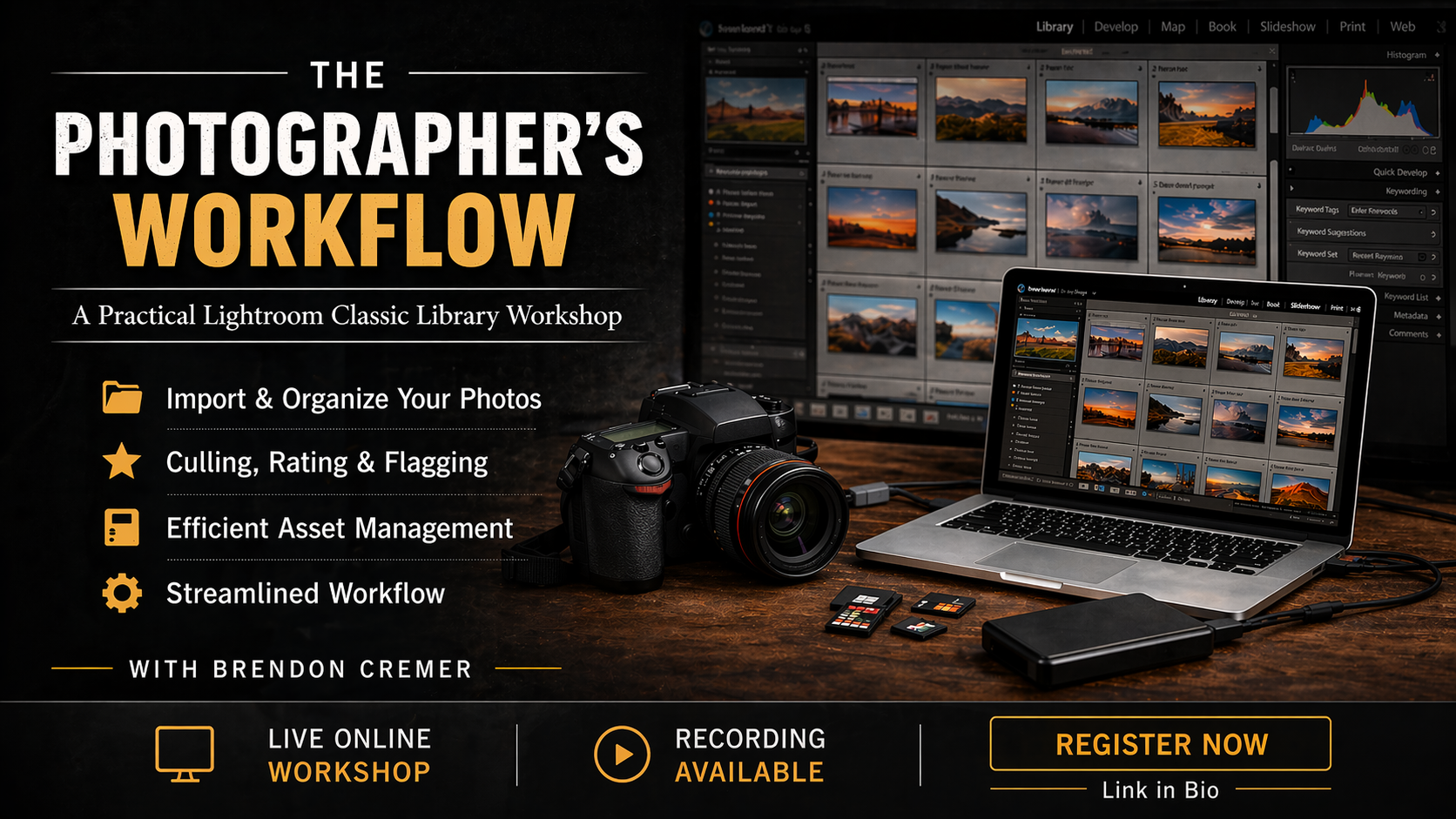
The Photographer’s Workflow is a focused, hands-on workshop designed to help photographers take full control of their digital image management using the Library module in Adobe Lightroom Classic. Unlike many Lightroom workshops that primarily focus on editing and presets, this workshop centers on the Library module.
Participants will learn not only what each function does but, more importantly, how to use them together as part of a clear and efficient real-world workflow. Drawing on nearly 20 years of hands-on photographic experience, this workshop introduces a proven, easy-to-follow system for managing images from the moment they are imported to the final selection and long-term storage.
The goal is simple: to make your digital asset management faster, cleaner, and far more organized.
**What the Workshop Covers:**
- Importing images into Lightroom with a logical and reliable folder structure
- Effectively understanding and using the Library module tools
- Confidently sorting, culling, rating, flagging, and deleting images
- Marking images for development and future use
- Creating a streamlined, repeatable workflow that saves time and reduces clutter
- Building an organized catalog that works for both hobbyists and professionals
By the end of the workshop, participants will have a clear, practical workflow that they can immediately apply to their own photography, resulting in less time spent searching for images and more time dedicated to shooting and creativity.
This workshop is ideal for photographers who feel overwhelmed by large image libraries, want to work more efficiently, or are looking for a structured, professional approach to managing their photographs in Lightroom Classic.
The Photographer’s Workflow: A Practical Lightroom Classic Library Workshop
The Photographer’s Workflow is a focused, hands-on workshop designed to help photographers take full control of their digital image management using the Library module in Adobe Lightroom Classic. Unlike many Lightroom workshops that primarily focus on editing and presets, this workshop centers on the Library module.
Participants will learn not only what each function does but, more importantly, how to use them together as part of a clear and efficient real-world workflow. Drawing on nearly 20 years of hands-on photographic experience, this workshop introduces a proven, easy-to-follow system for managing images from the moment they are imported to the final selection and long-term storage.
The goal is simple: to make your digital asset management faster, cleaner, and far more organized.
**What the Workshop Covers:**
- Importing images into Lightroom with a logical and reliable folder structure
- Effectively understanding and using the Library module tools
- Confidently sorting, culling, rating, flagging, and deleting images
- Marking images for development and future use
- Creating a streamlined, repeatable workflow that saves time and reduces clutter
- Building an organized catalog that works for both hobbyists and professionals
By the end of the workshop, participants will have a clear, practical workflow that they can immediately apply to their own photography, resulting in less time spent searching for images and more time dedicated to shooting and creativity.
This workshop is ideal for photographers who feel overwhelmed by large image libraries, want to work more efficiently, or are looking for a structured, professional approach to managing their photographs in Lightroom Classic.